 Memberium
STOP Do not configure this setting without reading and understanding this configuration guide or you could get temporarily locked out of your site.
The login page setting is used to create a customized login experience by replacing the regular wp-login.php page with a branded page that you have control over.
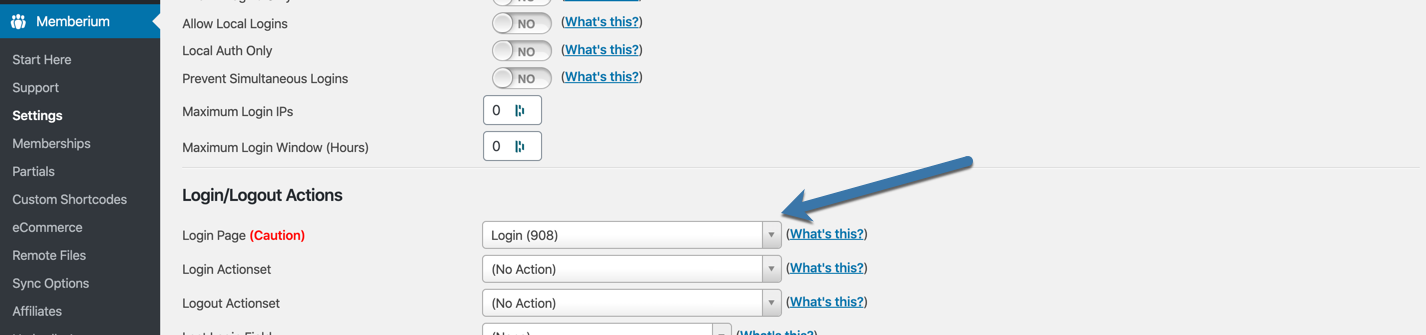
This page set will replace the default wp-login.php page (this is the default WordPress login page). This includes the admin user when logging in to /wp-admin.
Before you configure this setting to point to a page, make sure that the page has our [memb_loginform] shortcode on it. Otherwise, you will be unable to login to your site.
If you accidentally set this without a login form, you can still access your regular login form by going directly to your login page with the ?action=override parameter.
Example:
https://yoursite.com/wp-login.php?action=override