 Memberium
Description
The change password form will ONLY display to logged users that are mapped to Infusionsoft contacts. It will not display for admins, or for local users.
Shortcode Examples
Unstyled Form:
[memb_change_password]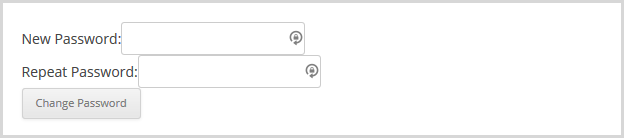
Custom button text example:
[memb_change_password buttontext="Change My Password"]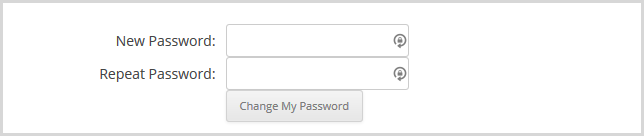
The below shortcode will display a custom label rather than the default “New Password” and “Repeat Password.”
[memb_change_password password1label= "Enter a New Password:" password2label="Confirm the New Password:"]Shortcode Parameters
buttontext | A customized text can be used within a clickable button. |
|---|---|
password1label | defaults to “New Password:” |
password2label | defaults to “Repeat Password:” |
Additional Information
Note
Once the password is changed, it may instantly logout the user. This is because the info of the logged-in user is being changed and it could cause the user to be logged out. We attempt to keep the user logged in, but be aware of this possibility.
Shortcode Attributes
| Conditional | No |
|---|---|
| Nestable | No |
| Accepts formatting | No |
| Capturable | No |